Context
This portfolio concept explores software automation for small businesses. It is an honest technical design exercise rather than a published customer result.
Business problem
Small teams often coordinate shifts through messages and spreadsheets, creating overlaps, uncovered periods and uncertainty about the current version.
Users and roles
Managers prepare schedules; team members confirm availability; support staff investigate validation or notification failures.
Requirements
- Make weekly coverage easy to scan
- Prevent overlapping assignments
- Preserve a history of schedule changes
- Support keyboard and touch interaction
- Export a stable printable view
Solution
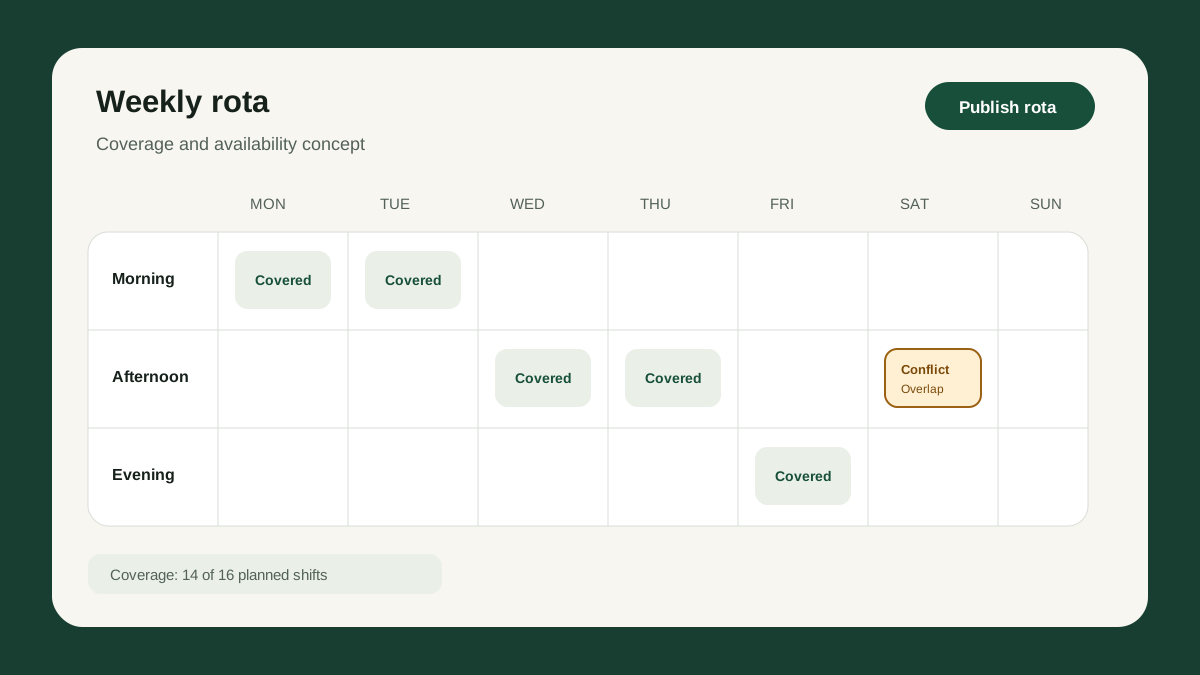
A constraint-aware planning screen surfaces conflicts before publication. The API treats drafts and published rotas as distinct states and records who made each material change.
Technology
Implemented or actively explored
- TypeScript
- React
Planned for a future version
- .NET API
- SQL
- Playwright
Proposed architecture
A React planning interface consumes a versioned .NET API. Domain rules live in the application layer rather than UI components. SQL transactions protect publication, and a background queue would handle notifications.
Security considerations
- Role-based schedule editing
- Tenant-scoped data access
- Audit events for publication and amendments
- Server-side validation of every change
- Minimal personal data in notifications
Accessibility considerations
- Form-based editing alongside drag and drop
- Keyboard navigation across the weekly schedule
- Conflict messages linked to affected fields
- Printable views with readable contrast and text labels
Key decisions
- Provide form-based editing alongside direct manipulation
- Validate on both client and server
- Use optimistic concurrency when publishing
- Keep notification delivery outside the scheduling transaction
Trade-offs
- A dense weekly view improves comparison but requires a simplified mobile view
- Optimistic updates feel faster but need clear conflict recovery
- Separating notification delivery improves reliability but introduces asynchronous status
Current status
This project is currently labelled Concept. It is not presented as a live client deployment.
Challenges
Dense scheduling interfaces can become inaccessible. Drag-and-drop alone is insufficient, especially for keyboard users and small screens.
Outcomes and measurement
The design makes schedule state and conflicts explicit. A live implementation would measure uncovered shifts, amendment frequency, publishing time and notification delivery—not invent productivity claims.
Lessons learned
A useful planning tool is built around exceptions and clarity. Visual polish matters, but trustworthy validation and an understandable history matter more.